cooperator wrote:
If I erasing install Smart software by erasing the Drive(WD MY Passport), and then I want to reinstall this version SmartWare Version 1.6.0 for Windows, should I first install the last one then update with updates or is there latest installing version for 1.6.0?
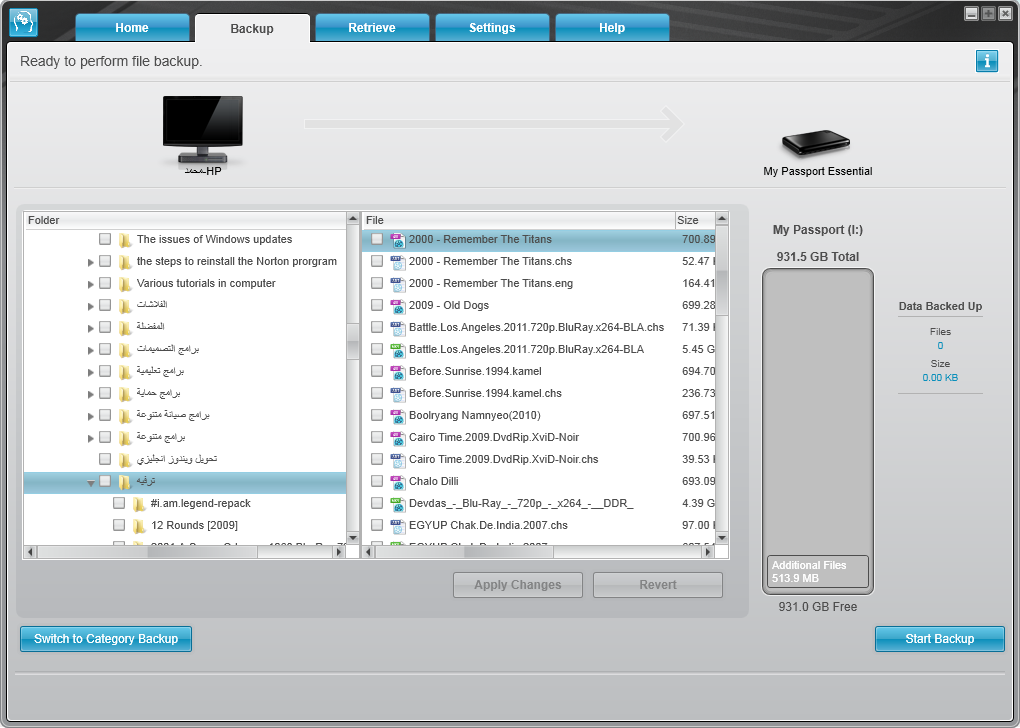
I would be asking that if I have (23386) files whose size is (560GB), and in the setting of Smart software(To save several versions of the same file just go to from the Smartware UI go to settings/set up software and from file history you can select the number of versions per file.), I have specified the number of backup versions for each file as: five. So, 560GB*5 = 2800GB = 2.734375 … Terabytes:dizzy_face:
If you said to me that the WD Smart software will apply the number of backup version for each file in the backed data, I would be asking that my hard disk will not be enough because as you see the count above the size is more than the normal size of My Passport .
It is great a program (Smart software). But I only found one drawback which is follows:
When I have backed up all my data. Then, each file I open to make some alternation of it, I check out that smart Software backs up another file with for the original file with the alternations. I was expecting that Smart software will only save the alternation in the original file.
With this way, may hard disk will soon be full.
There isn’t any way to let Smart software save any alternation in the original file instead of backing a new file. In other words, if all the data, especially which are able to be alternated are synchronized.
For me, I have tried open a Microsoft Word file and then I have added something to it. And then I have saved it in my computer.
pronounciation1: this is the original name of the file
pronounciation1@8f4846063c144f57834c742a29f357fc: this is the name which Smart software named automatically into my external hard disk (my passport) after I saved the file into my internal hard disk
Could you please reply me on last post?